
In short
A personal trainer client app should make it easy for clients to follow workouts, view demonstrations, log progress, and contact their trainer from one mobile place. Pocket Trainer suits trainers who want a ready-to-use client experience, supplied workout content, and a customizable sales page rather than the work of building and maintaining their own app.
Key takeaways
- 📱 A useful personal trainer client app gives clients one place for workouts, demonstrations, progress, goals, and trainer support.
- A trainer should choose the operating model before comparing feature lists: build a custom system, or start with a ready-made service.
- Pocket Trainer provides a client app, supplied workout content, workout and nutrition customization, in-app communication, and progress monitoring. (pocket-trainer.co)
- Trainers can collect payment directly or use Pocket Trainer checkout, where the site states the trainer keeps 90% and Pocket Trainer takes a 10% fee. (pocket-trainer.co)
Table of contents
- What should a personal trainer client app do?
- Do you need software to build your own app?
- How does Pocket Trainer work for trainers and clients?
- What should you check before setting up?
- What else do trainers ask about personal trainer client apps?
- What should you do next?
A client app is not just a dashboard for the trainer. It is the place a client opens when training alone, checking an exercise demonstration, recording a session, or asking for help between appointments. The right choice starts with what the client needs to do without waiting for the trainer.
What should a personal trainer client app do?
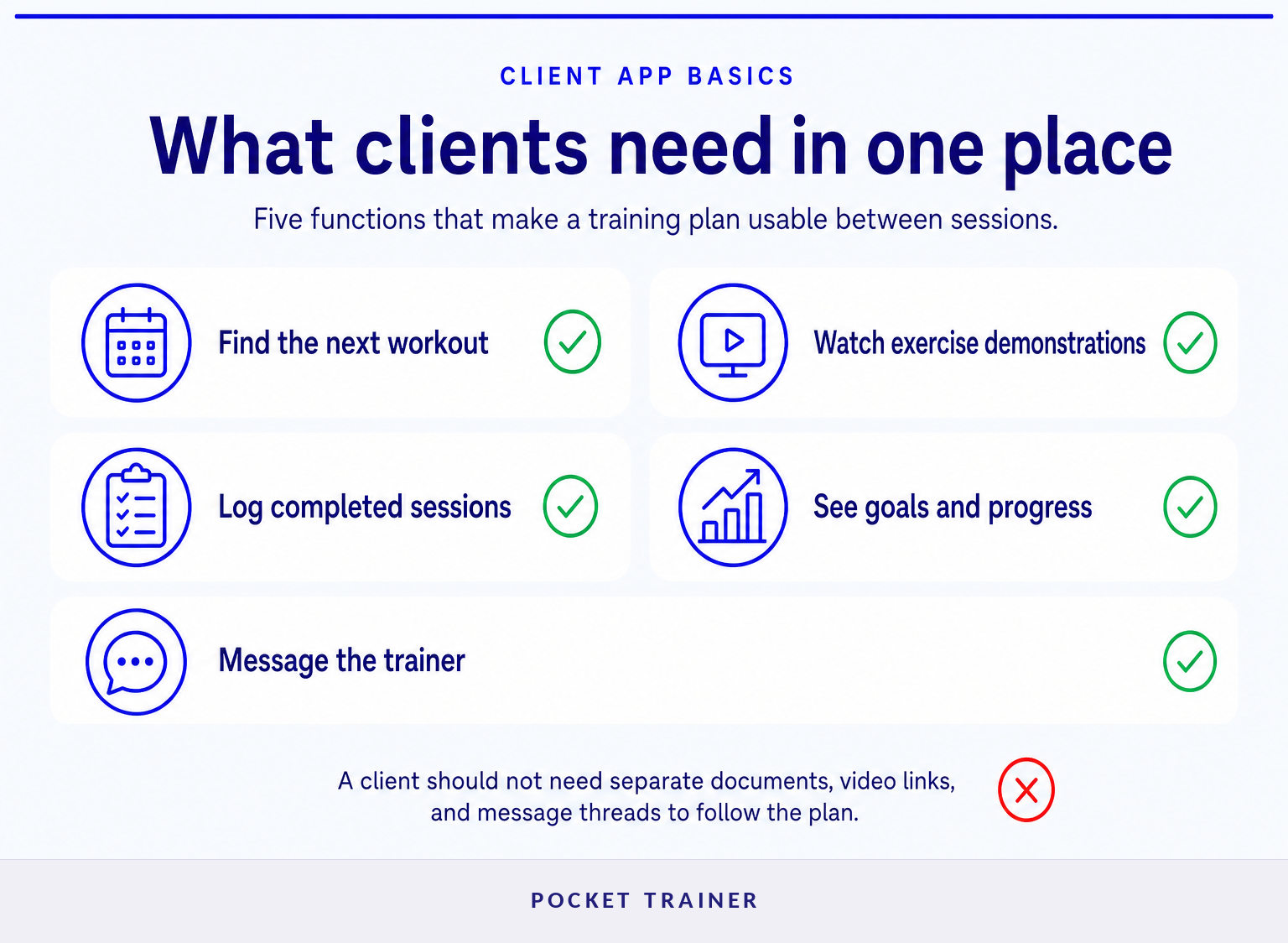
A personal trainer client app should let clients access their plan, understand each exercise, record progress, and contact the trainer without juggling documents, video links, and messages across several services. The best feature set is the one that supports the coaching model the trainer actually sells.
Start with the client journey, not a lengthy feature checklist. A client should be able to answer five basic questions quickly:
| Client question | What the app should provide |
|---|---|
| What am I doing today? | A clear workout plan with exercises, sets, and instructions. |
| How do I perform this movement? | A demonstration or other reliable exercise guidance. |
| Did I complete the session? | A simple way to log workouts and monitor progress. |
| What am I working toward? | Visible goals and relevant progress markers. |
| What happens if I get stuck? | A straightforward way to contact the trainer. |
The current Pocket Trainer site describes a client experience with a workout library, workout and nutrition customization, in-app communication, goal setting, and progress monitoring. It also says trainers can serve remote clients or use the service alongside face-to-face sessions. (pocket-trainer.co)
A personal trainer client app earns its place when clients can follow the plan and report back without needing a separate explanation for every session.
Do you need software to build your own app?
No. A trainer does not need to build a custom app to give clients a mobile training experience. The important decision is whether the business needs full ownership and customization, or a ready-made system that reduces setup work.
Building a custom client experience can make sense when a trainer needs a fully trainer-owned app, an original video library, specialized integrations, or detailed operational workflows. It also creates a longer to-do list: content production, technology decisions, testing, billing setup, and ongoing maintenance.
A ready-made service fits a different goal. The trainer wants to start selling and supporting an online or hybrid program without developing the mobile product or filming every exercise demonstration. Pocket Trainer explicitly positions itself for trainers who do not want to create their own app or record their own workout videos. (pocket-trainer.co)
That distinction matters because an app can be technically impressive and still be the wrong business choice if it creates work the trainer does not want to own.
Choose the model that matches the work you are willing to keep doing after launch, not just the features that look impressive during a demo.
How does Pocket Trainer work for trainers and clients?
Pocket Trainer gives trainers a customizable sales page and a client-facing mobile experience with supplied workouts and nutrition support. Clients use the app for workouts, guidance, progress monitoring, goals, and communication, while trainers can customize workout and nutrition plans. (pocket-trainer.co)
The setup is designed around a simple handoff. The trainer shares a sales page, clients sign up, and clients access the mobile program. Pocket Trainer says the trainer can personalize the page with details such as a custom URL, headline, headshot, optional welcome video, and optional client transformation images. (pocket-trainer.co)
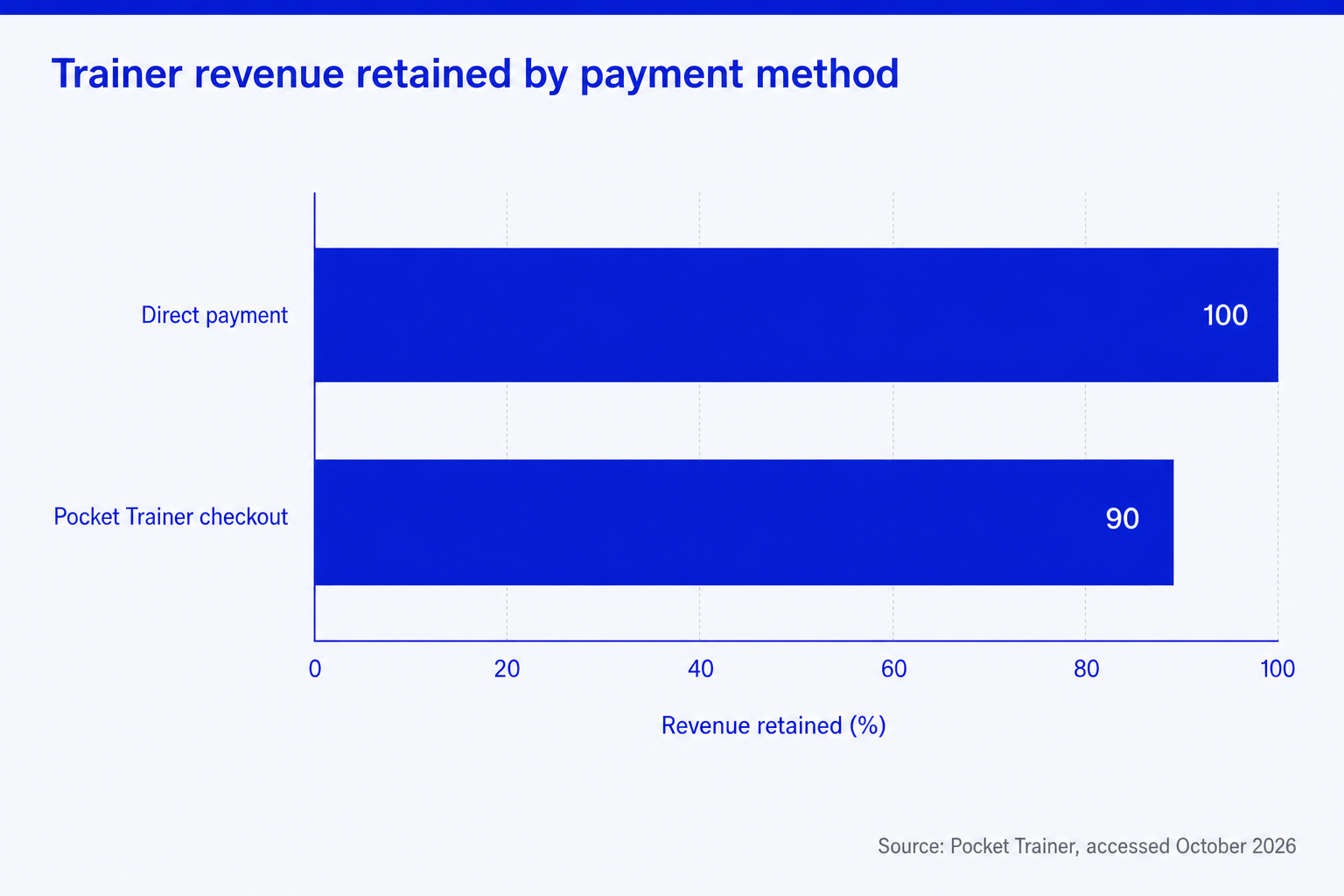
For payment, Pocket Trainer says trainers can charge clients themselves and retain 100% of the payment. If the trainer uses Pocket Trainer checkout for card payments or recurring subscriptions, the site says Pocket Trainer retains a 10% fee and the trainer keeps 90%. (pocket-trainer.co)
Pocket Trainer also describes automated prospect follow-up emails and optional virtual-assistant support for client questions, follow-ups, and motivational nudges. Those services matter for trainers who want online revenue without personally handling every operational task. (pocket-trainer.co)
Set up a Pocket Trainer sales page if the priority is launching a client-ready online offer without creating the app and workout library first.
Pocket Trainer is most useful when the trainer wants to sell and support a ready-made mobile program rather than operate every part of the underlying platform.
What should you check before setting up?
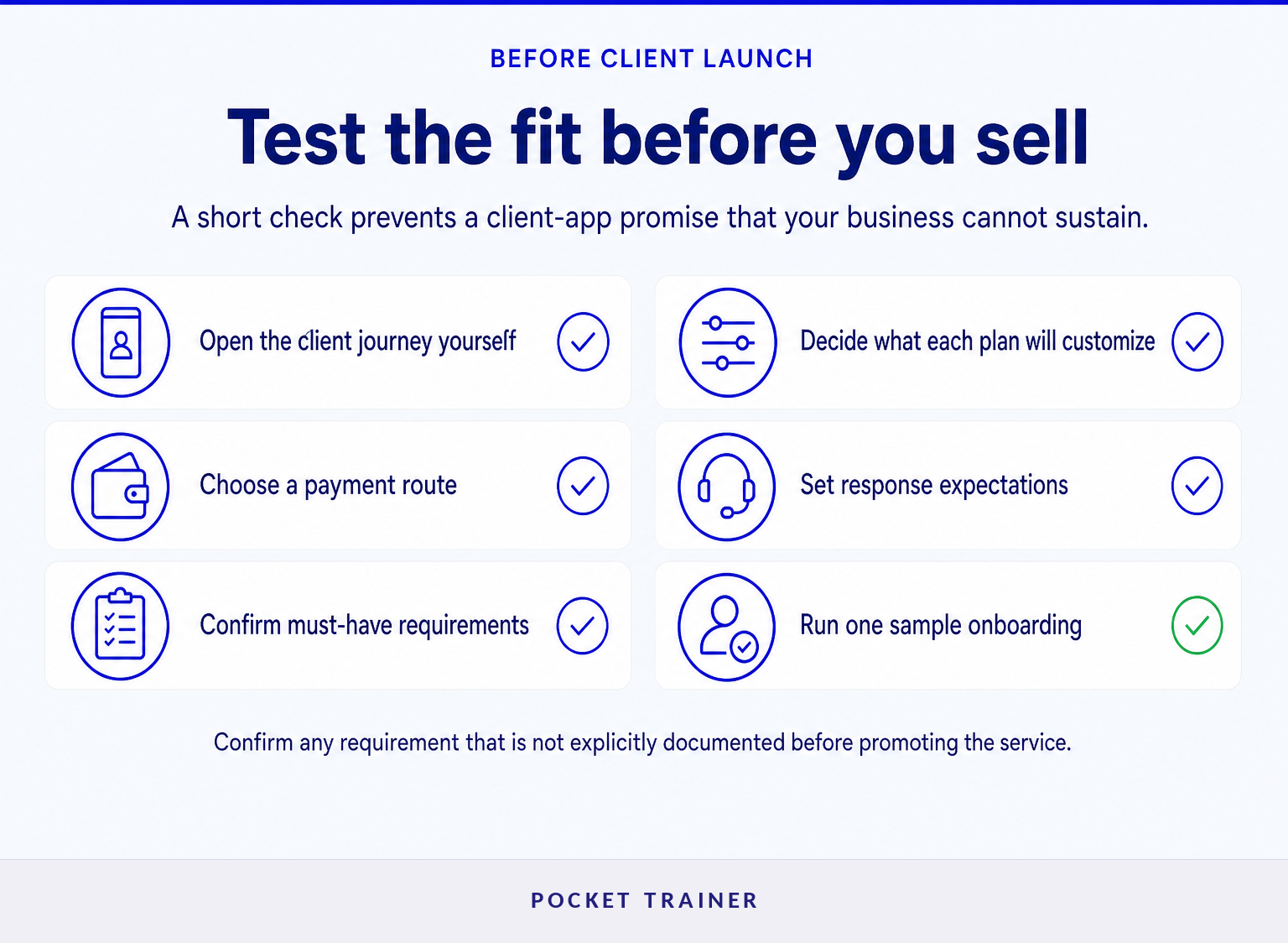
Before choosing a personal trainer app to track clients, test the client journey and confirm which responsibilities remain with the trainer. A short pre-launch check prevents a polished sales page from masking a poor fit for the actual service.
Use this checklist before inviting clients:
- Open the client experience yourself. Check whether a new client can find the next workout, understand an exercise, and log progress without help.
- Define what you will customize. Pocket Trainer states that trainers can adjust workout and nutrition plans, so decide how much individual tailoring each client will receive. (pocket-trainer.co)
- Confirm the sales and payment route. Decide whether to collect payment independently or use the platform checkout option.
- Set communication expectations. Tell clients where questions belong and how quickly they should expect a response.
- Check for must-have requirements. Pocket Trainer is not positioned as a fully white-label, trainer-owned app or a system for uploading an original trainer-made workout-video library. Trainers who need appointment scheduling, live video coaching, wearable integrations, configurable intake forms, or a full CRM should confirm availability before committing.
- Test one real onboarding path. Use a sample client account before promoting the service publicly.
The Pocket-Trainer Workout Tracker App Store listing identifies the mobile app as a client-facing workout tracker, while the Pocket Trainer website explains the trainer-facing sales, program, support, and payment options. (pocket-trainer.co)
A client app is a good fit only when its client experience and its operational limits both match the service you plan to deliver.
What else do trainers ask about personal trainer client apps?
These questions come up when trainers move from comparing features to deciding how the app will work in a real coaching business. The answers below focus on the client experience, delivery model, and payment choices described by Pocket Trainer.
What is the best app for tracking clients?
The best app for tracking clients is one that records the progress markers used in the coaching plan and makes those records easy for both trainer and client to understand. For workout-led remote coaching, that usually means workout completion, goals, and progress monitoring alongside direct trainer communication. Pocket Trainer lists those functions as part of its client experience. (pocket-trainer.co)
Can a personal trainer offer a client app without building one?
Yes. A personal trainer can use a ready-made platform that supplies the mobile client experience and supporting content rather than commissioning custom development. Pocket Trainer says it provides the fitness app, workouts, nutrition support, and a customizable sales page, while the trainer promotes the service to clients. (pocket-trainer.co)
Should trainers charge clients through the app or collect payment directly?
The right payment route depends on how much billing administration the trainer wants to manage. Pocket Trainer says direct collection lets trainers retain 100% of revenue, while its optional checkout handles card and recurring payments for a 10% fee. Trainers should compare that trade-off against their own payment process and client subscription model. (pocket-trainer.co)
The useful question is not which app has the longest feature list, but whether the app makes clients more likely to complete the plan you are selling.
What should you do next?
Choose a personal trainer client app by mapping one client’s first week: joining, opening the plan, watching a demonstration, completing a workout, recording progress, and asking a question. If that journey is clear and the operating model fits your time and business goals, the platform is worth a closer look.
For trainers who want a ready-made app, supplied workout content, and a customizable sales page rather than an app-development project, Pocket Trainer provides a practical starting point. (pocket-trainer.co)
The next move is to test the client journey before you promise it to clients.