
In short
An app for tracking workout progress should make training data useful, not merely collect it. Choose a simple gym log if you can plan and adjust training alone; choose a trainer-connected app if you need goals, exercise guidance, feedback, and someone who can see when progress stalls.
Key takeaways
- A useful workout tracker records the training variables tied to your goal, such as load, repetitions, sets, distance, time, or recovery notes.
- A simple gym log is usually enough for experienced people following their own repeatable plan.
- Trainer-connected tracking is more useful when a client needs exercise guidance, goal setting, accountability, or feedback between sessions.
- The 2026 American College of Sports Medicine position stand supports progressive resistance training, but progress does not mean adding weight in every workout.
- A free workout app can be a good starting point, but free access does not automatically include coaching, personalized programming, or trainer communication.
How do I track workout progress with an app?
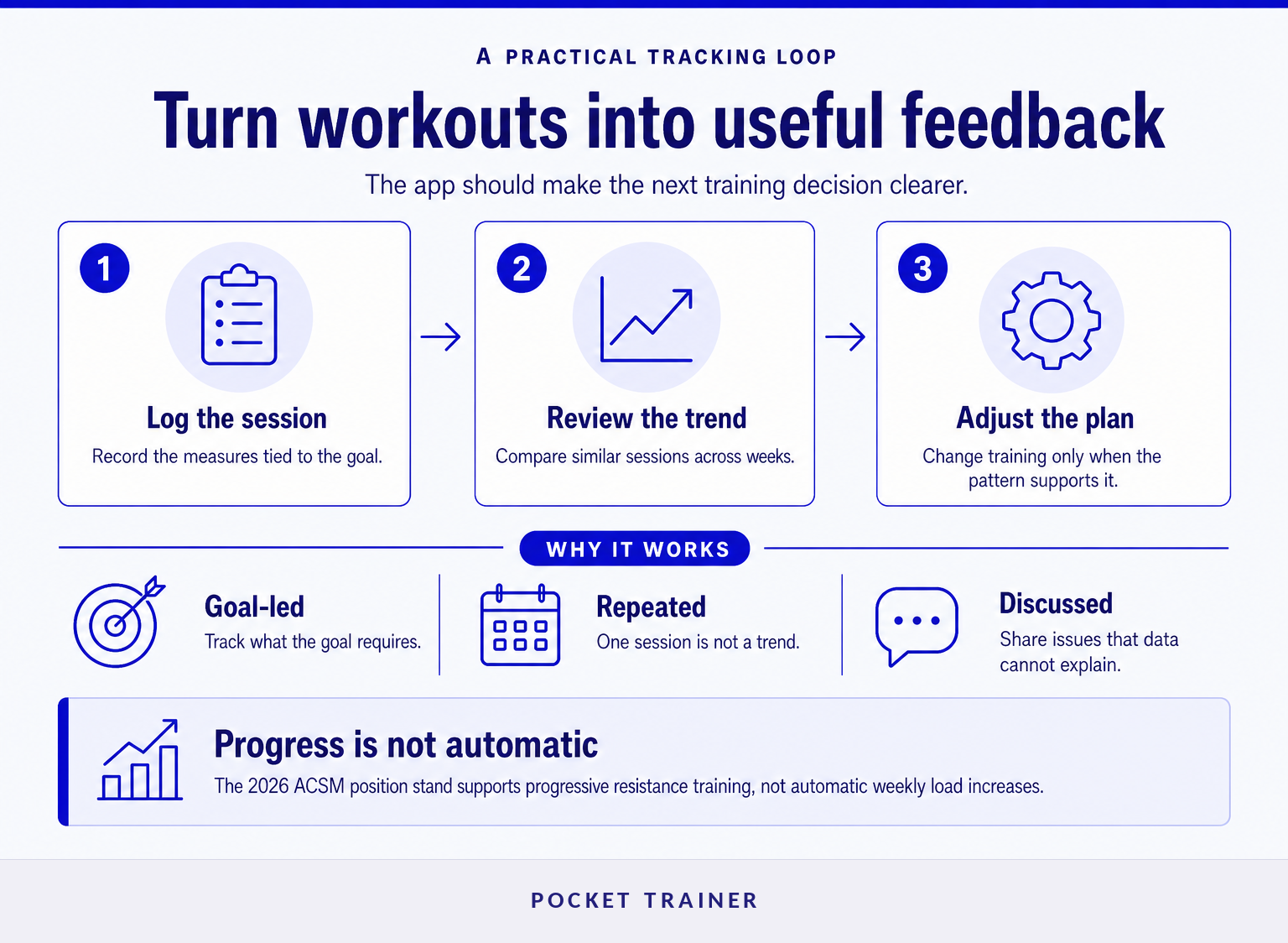
Track workout progress by logging the same meaningful measures often enough to compare them over time. For strength training, that usually means exercises, sets, repetitions, load, and notes about effort or technique; for cardio, it may mean time, distance, pace, route, or heart-rate data where available.
A tracker cannot decide whether a workout was productive unless the data has context. Record the goal of the training block, keep the exercise name and setup consistent, and compare similar sessions rather than isolated good or bad days.
The 2026 American College of Sports Medicine update found that resistance training improves strength, muscle size, power, endurance, and physical function compared with no resistance training. It also emphasizes progressive training, which means the training stimulus changes appropriately over time, not that every exercise must become heavier every week. Read the 2026 ACSM resistance-training position stand for the evidence context.
A workout log becomes valuable when it helps you make one better decision in the next session.
Do I need a simple gym log or a trainer-connected app?
Choose a simple gym log when you already know what to do, can perform the exercises safely, and can adjust your own plan. Choose a trainer-connected app when progress depends on coaching, program changes, accountability, or communication outside face-to-face sessions.
The distinction matters because logging and coaching solve different problems. A gym log answers, “What did I do?” A trainer-connected app can also support questions such as, “What should I do next?” and “Does my trainer need to know that this exercise hurt or that I missed two sessions?”
| If the main need is… | A self-directed gym log is usually enough | Trainer-connected tracking is usually a better fit |
|---|---|---|
| Recording sets and reps | Yes | Useful, but not essential |
| Following a stable plan | Yes | Optional |
| Learning unfamiliar exercises | Sometimes | Often helpful |
| Adjusting around travel, pain, or a plateau | Limited | Often helpful |
| Staying accountable between sessions | Limited | Often helpful |
| Getting feedback on progress | No | Yes |
A broader digital fitness platform may add programming, content, communication, and business tools beyond the basic logging features of a gym tracker.
The right app is the one that matches the decisions you cannot confidently make alone.
What should a workout app record?
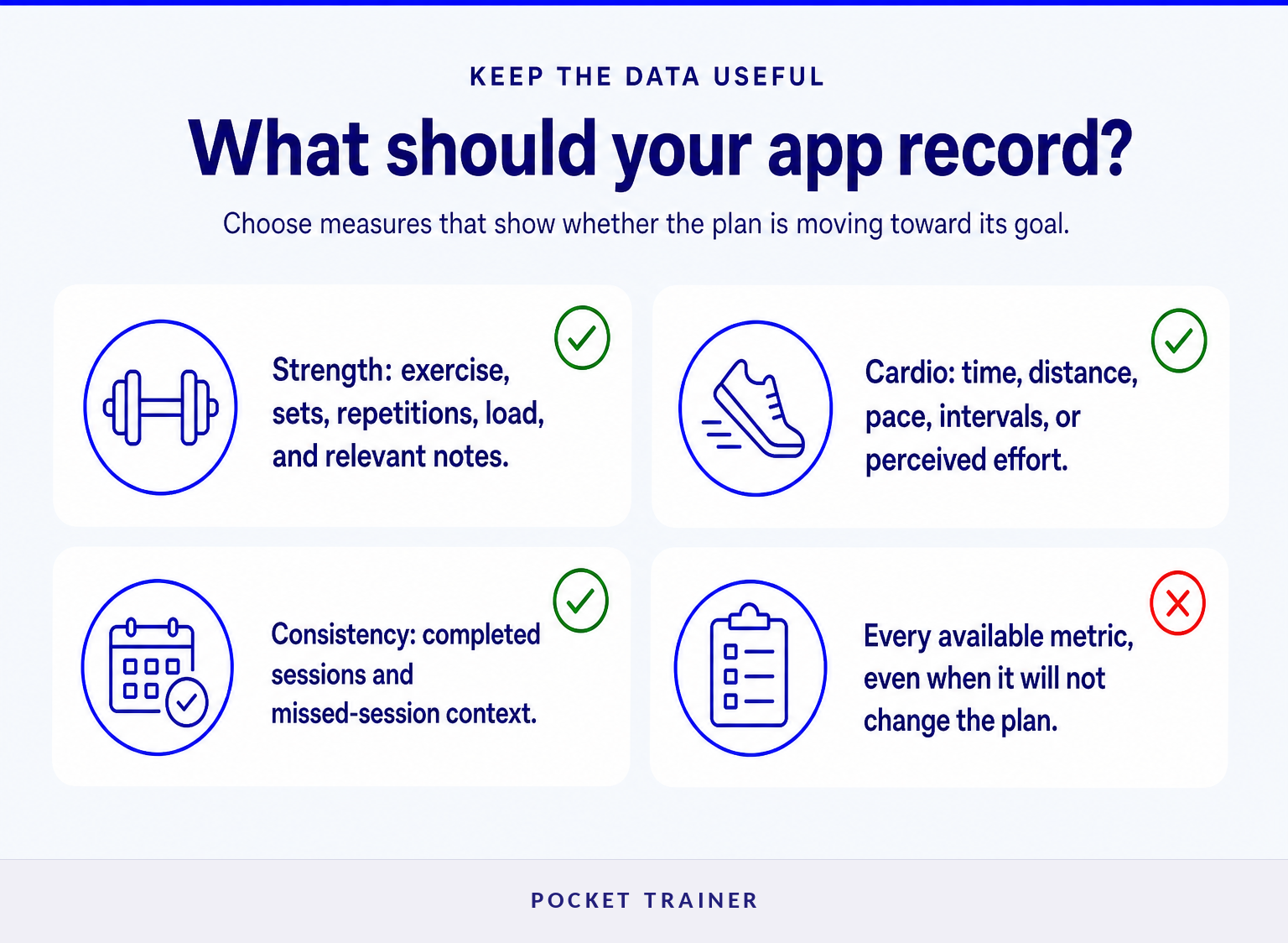
A workout app should record the few measures that show whether the plan is moving toward its stated goal. More data is not automatically better, especially when collecting it makes the workout harder to complete consistently.
For resistance training, start with the exercise, sets, repetitions, load, and a short note when something changes: an altered range of motion, poor sleep, pain, a new machine, or a different grip. For endurance work, track the measures that fit the session, such as duration, distance, pace, intervals, perceived effort, or route conditions.
Goals determine what counts as progress. Someone training for a first 5-kilometer event may care about comfortable running time and weekly consistency. Someone aiming to gain strength may compare performance on a small number of repeatable lifts. A client rebuilding a routine may first need completed sessions, not personal records.
Track the smallest set of measures that can tell you whether the plan is working.
Which progress views actually help?
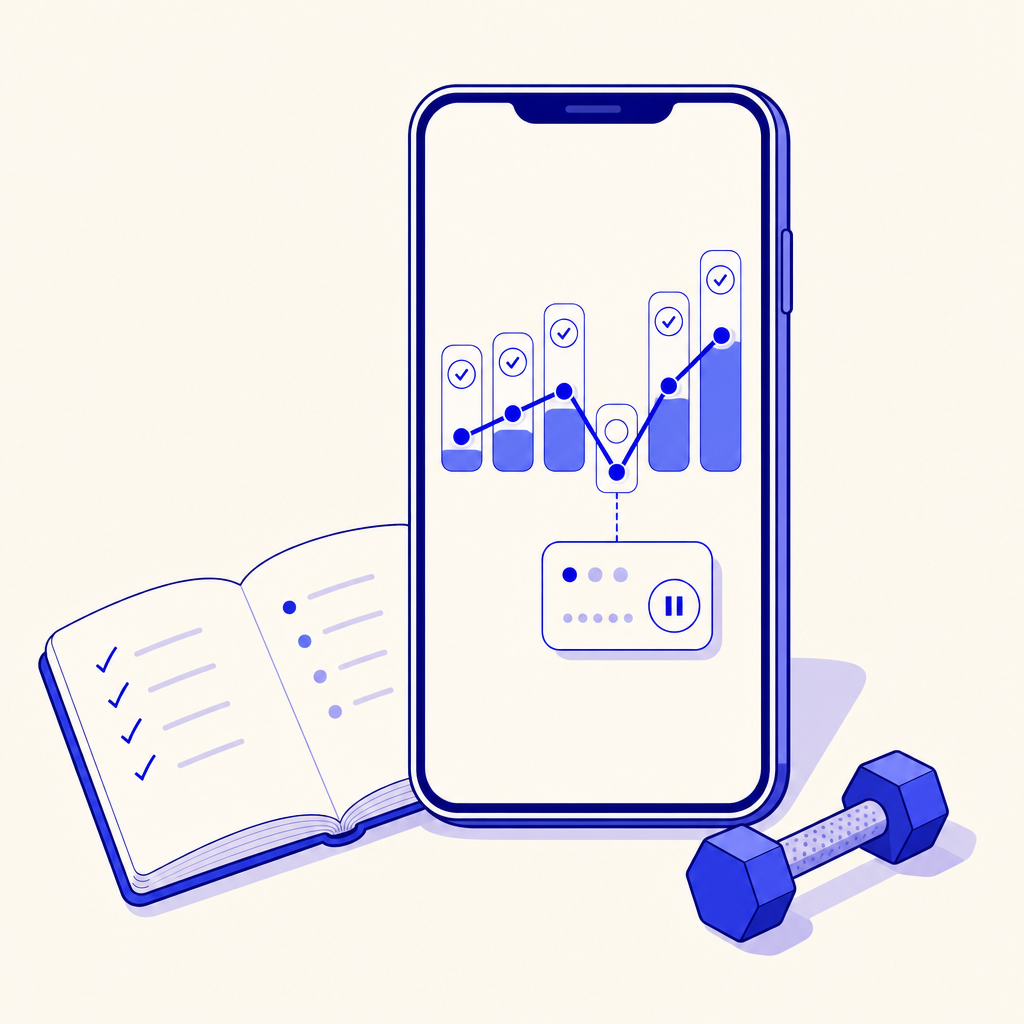
The most useful progress views compare like with like and make a trend easy to spot. Look for session history, exercise history, completed workouts, and notes that explain why one session differed from another.
A personal record can be motivating, but it is only one signal. If a person lifts the same load for more repetitions with sound form, completes more planned sessions, runs a familiar route more comfortably, or needs less recovery between intervals, those can all be meaningful forms of progress.
Avoid judging a plan from one workout, one body measurement, or one missed week. A visible history makes patterns easier to discuss, especially when a trainer and client need to separate a programming issue from a busy week, poor recovery, or an unrealistic target.
People who record workouts but still struggle to complete them consistently may also benefit from workout accountability apps, which focus more directly on follow-through and support.
Progress is clearer when an app shows the pattern behind the individual workout.
How can trainers use a tracking app with clients?
Trainers can use a tracking app to see completed sessions, set goals, deliver guidance, and discuss changes before a minor issue becomes a long pause in training. Clients benefit when they know which information their trainer expects them to log and when they should send a message instead of guessing.
The workflow should be simple. A trainer sets the current goal and program, the client logs the prescribed work and relevant notes, and both review the trend at an agreed check-in point. The trainer can then adjust the plan based on the evidence available, rather than relying on memory alone.
Pocket Trainer is designed around this connected model: participating clients can access structured workouts and exercise demonstrations, log training, receive workout and nutrition guidance, set goals, monitor progress, and communicate in the app. That is different from a standalone notebook replacement. Trainers comparing the wider operational needs of remote coaching can use this guide to choose an online coaching platform for a fitness business.
A trainer-connected app works best when the client and trainer agree on what to log, what needs a message, and when progress will be reviewed.
What should iPhone users check before choosing a workout tracker?
iPhone users should check device compatibility, the current App Store listing, privacy information, the cost of any plan, and whether the app supports their actual training workflow. Do not assume that an iPhone workout tracker includes Apple Watch, Apple Health, wearable, or health-platform integration unless the current listing explicitly says so.
The Pocket-Trainer Workout Tracker App Store listing states that the app is free to download, requires iOS 13.0 or later, and supports iPhone. Its listing also describes workout planning, exercise videos, workout logging, nutrition guidance, and a transformation challenge. Availability, feature access, and paid program terms can change, so confirm the current listing before downloading or purchasing.
For a free workout tracker app on iPhone, ask one practical question: can the free version help you complete and review your real workouts without forcing you into a workflow you will abandon after a week?
An iPhone workout tracker is only a good choice if its current compatibility and feature set match how you actually train.
What else do people ask about workout tracking apps?
What is the 3-3-3 rule gym?
The “3-3-3 rule” is not a single official gym standard. Trainers and programs may use the phrase for different routines, such as three workouts per week, three exercises, or three sets. Check the program's written instructions instead of assuming the phrase defines a safe or universal training plan.
How do I track my workout progress?
Track workout progress by recording the same goal-relevant measures over repeated sessions, then reviewing changes over several weeks. For lifting, log exercises, sets, repetitions, load, and meaningful notes. For cardio, log duration, distance, pace, and perceived effort. Compare similar sessions instead of reacting to one unusually strong or weak day.
What are some good apps for tracking gym workouts?
Good apps for tracking gym workouts make it quick to log your planned exercises and easy to review meaningful history. The best choice depends on whether you need a straightforward personal log or trainer support with programming, goals, messages, and feedback. Test the logging flow with one real workout before committing.
What workout app is 100% free?
A workout app may be free to download while certain programs, coaching, premium analysis, or in-app services have separate terms. Check the current App Store or Google Play listing, pricing screen, and cancellation details before relying on a free option. A free tracker is most useful when its basic logging features meet your ongoing needs.
A free app is useful only if the accessible features support the training habit you plan to keep.
What should you do next?
Before downloading another app, write down the next decision you want the app to help you make: log a workout faster, see a strength trend, follow a plan, stay accountable, or get trainer feedback. If that answer includes guidance and communication as well as logging, evaluate a trainer-connected option such as Pocket Trainer rather than another standalone gym log.
The best tracking app gives the right person enough information to improve the next week of training.